
What is an Agent?
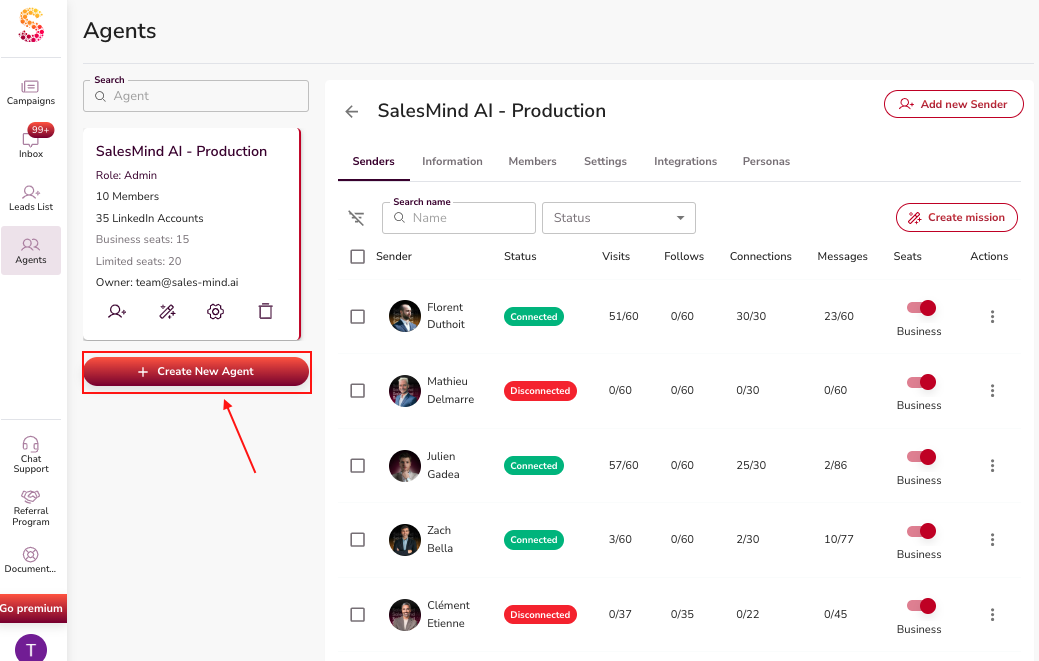
An Agent is the top-level organizational unit in SalesMind AI. Think of it as a container that holds everything needed to run outreach for a specific entity — your whole company, a single department, or (if you're an agency) one of your clients.
Each Agent bundles together senders, team members, outreach settings, company knowledge, and target personas. Get this set up right and the AI has everything it needs to run effective campaigns.
Key Components
1. Senders
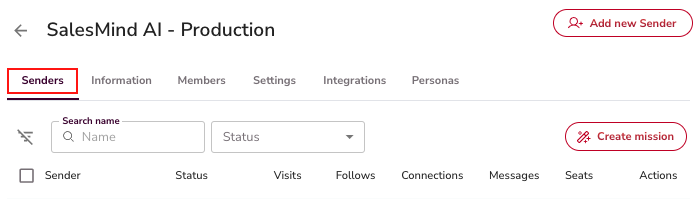
A Sender is the identity that performs outreach — typically a LinkedIn account. You can add multiple senders under one Agent. Each sender inherits the Agent's outreach settings by default, but you can override them at the campaign level.
2. Team Members and Roles
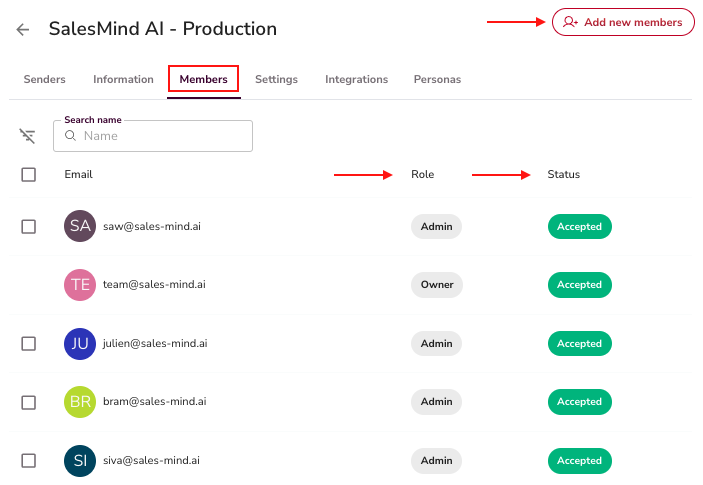
Each Agent has a member list with assigned roles. Roles like Owner and Admin control what each person can see and do. You can invite members, change their role, or remove them.
⚠️ Warning: The Owner role cannot be deleted.
3. Information (Knowledge Base)
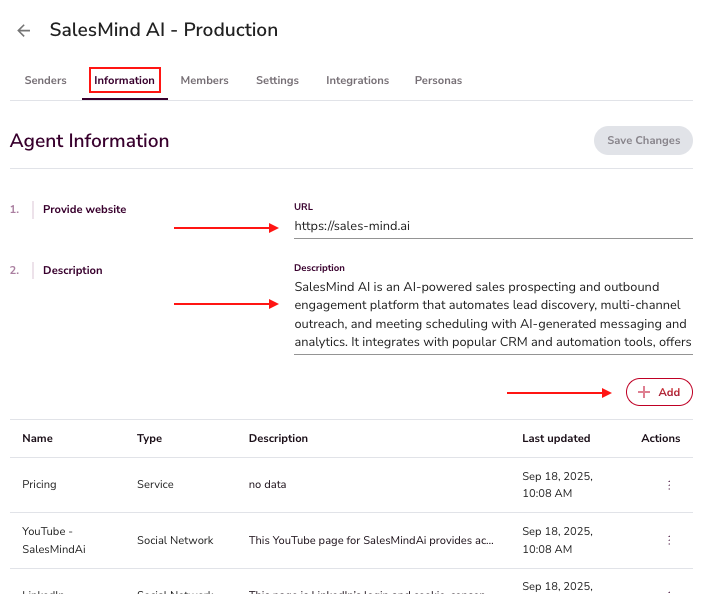
This is where you define your company's services, LinkedIn page, booking links, testimonials, and other reference material. The AI draws on this knowledge base during conversations to share the right resource at the right moment.
💡 Tip: The more complete your knowledge base, the better the AI performs. Include case studies, demo links, and pricing pages.
4. Integrations
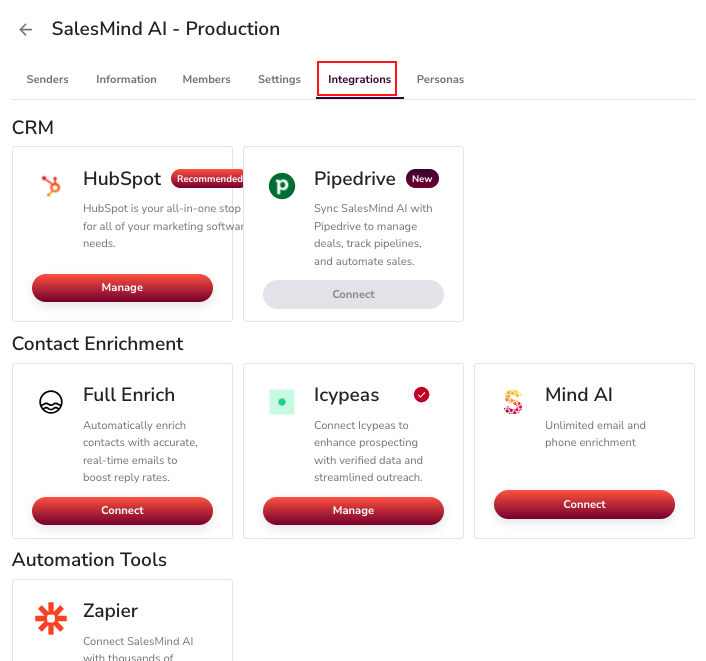
Agents connect to external tools — CRMs, enrichment services, and automation platforms. This keeps SalesMind AI in sync with your existing sales stack. See the Outreach Settings article for configuration details.
5. Personas
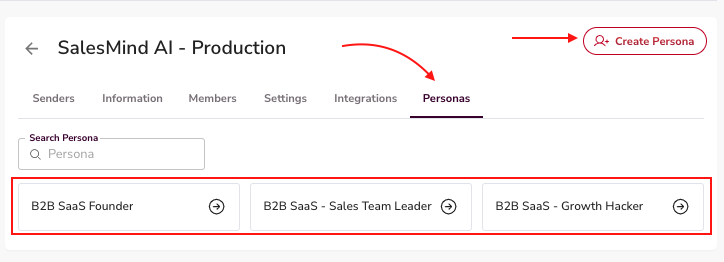
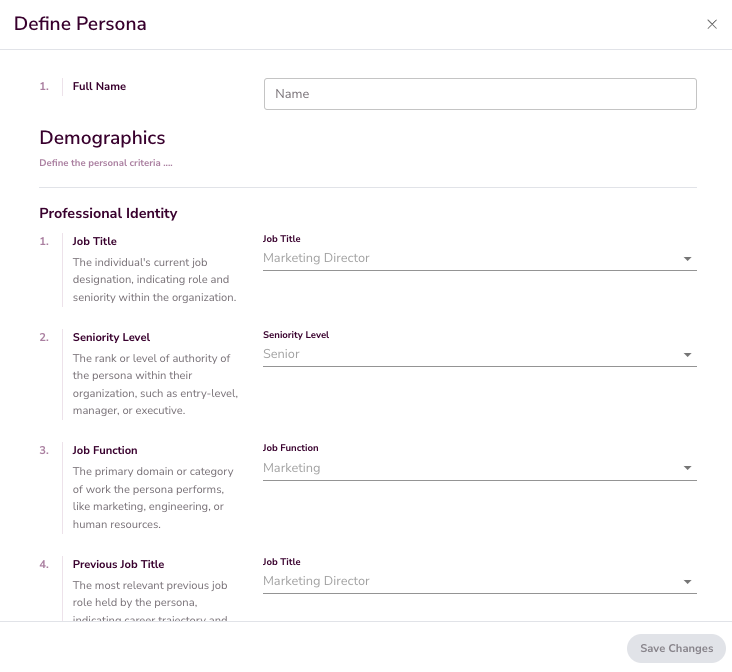
Personas define the target audiences your campaigns will reach. Be specific — "B2B SaaS Founder" or "Sales Director at a 50-200 person company" works far better than "decision makers." Accurate personas are what make AI-driven personalization actually land.
What's Next
Once your Agent is configured, you're ready to create campaigns. See the "How to Launch My First Campaign" article to get started.