
SalesMind AI offers four ways to get help. Pick the one that fits your situation.
Chat Support
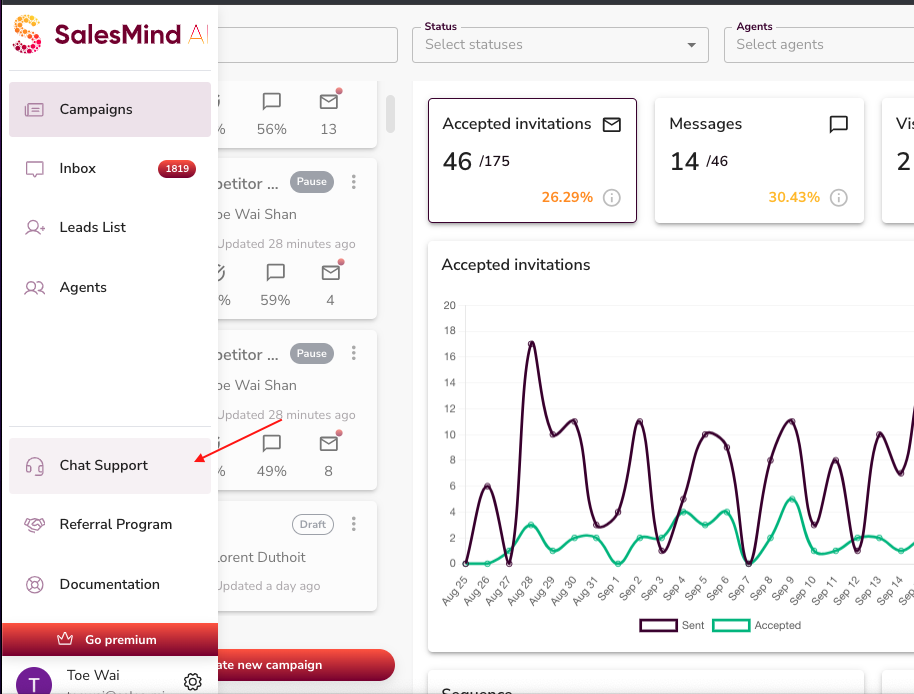
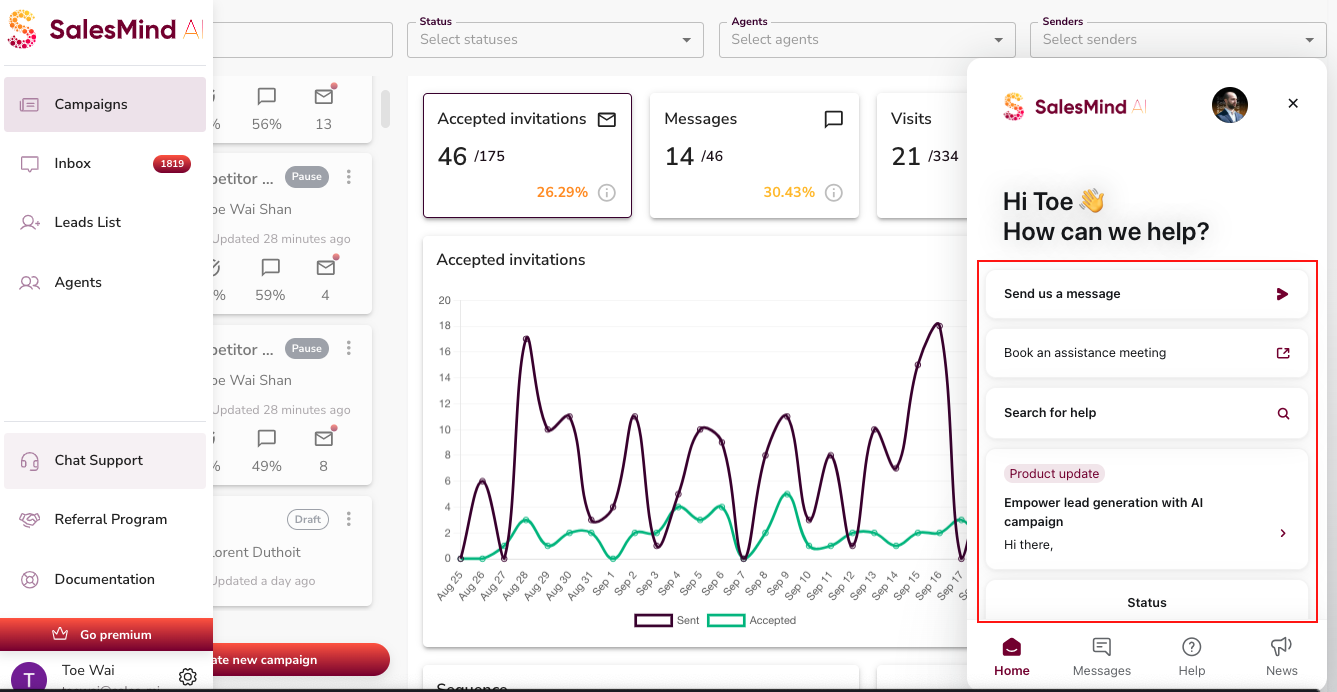
The fastest way to reach us. Click the chat icon in the bottom-right corner of your dashboard, send a message, and someone from the team will get back to you as soon as possible.


💡 Tip: Include a short description of what you were doing when the issue occurred. It helps us resolve things faster.
Book a One-to-One Session
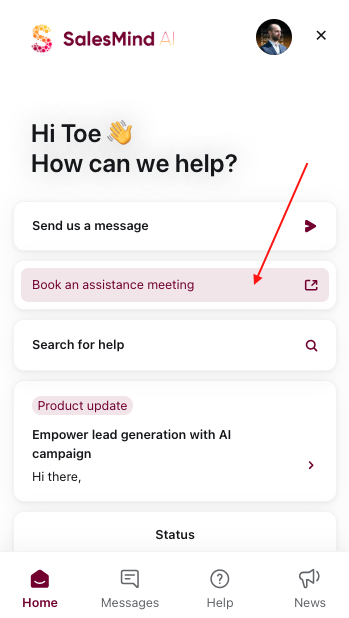


Schedule a personal session with a member of our team. This is the best option when you need hands-on help, want a walkthrough of a feature, or are troubleshooting something complex.
Help Center


Access the Help Center directly from the app. It has guides, tutorials, and step-by-step documentation covering most common questions. Available 24/7, regardless of your timezone.
Service Status Page


If something feels broken across the board, check the status page before reaching out. It shows whether SalesMind AI is experiencing downtime or a known service issue. If there's an outage, we're already working on it.
👉 Note: Platform-wide issues affect all users simultaneously. If the status page shows an incident, no action is needed on your end.
Quick Reference
| Situation | Best Option |
|---|---|
| Quick question or minor issue | Chat support |
| Complex setup or troubleshooting | Book a one-to-one session |
| Self-service at any hour | Help Center |
| Something feels broken everywhere | Check the status page |
What's Next
- Campaign not running? See the Why Is My Campaign Not Running? article
- Account disconnected? See the My Account Has Been Disconnected article