
When your campaigns show as Disconnected, SalesMind AI has lost access to your LinkedIn session. No outreach or activities will run until you reconnect.
Why You Got Disconnected
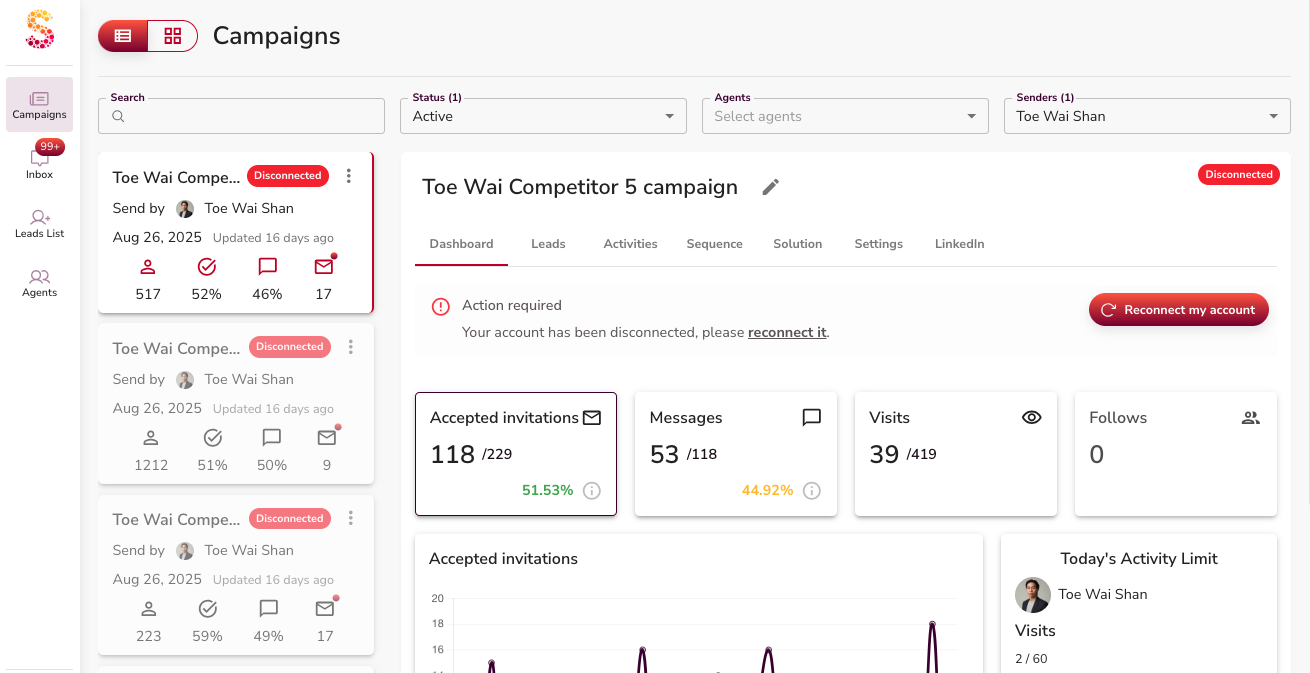
The two most common causes:
- Expired cookie session — LinkedIn periodically ends browser sessions for security. When that happens, SalesMind AI loses its connection too.
- Logged out of LinkedIn — Signing out of LinkedIn in your browser immediately ends the SalesMind AI session.
👉 Note: This isn't a bug. It's LinkedIn's security system at work. A quick reconnect gets everything running again.
How to Reconnect
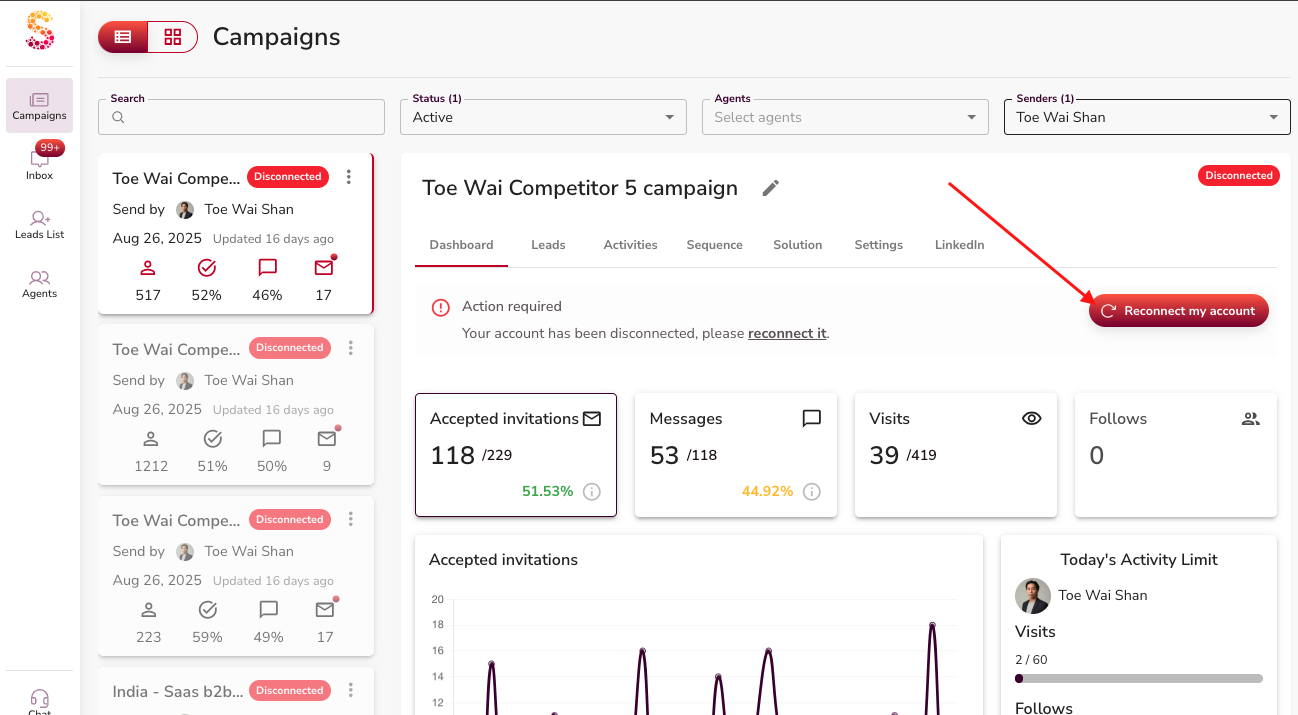
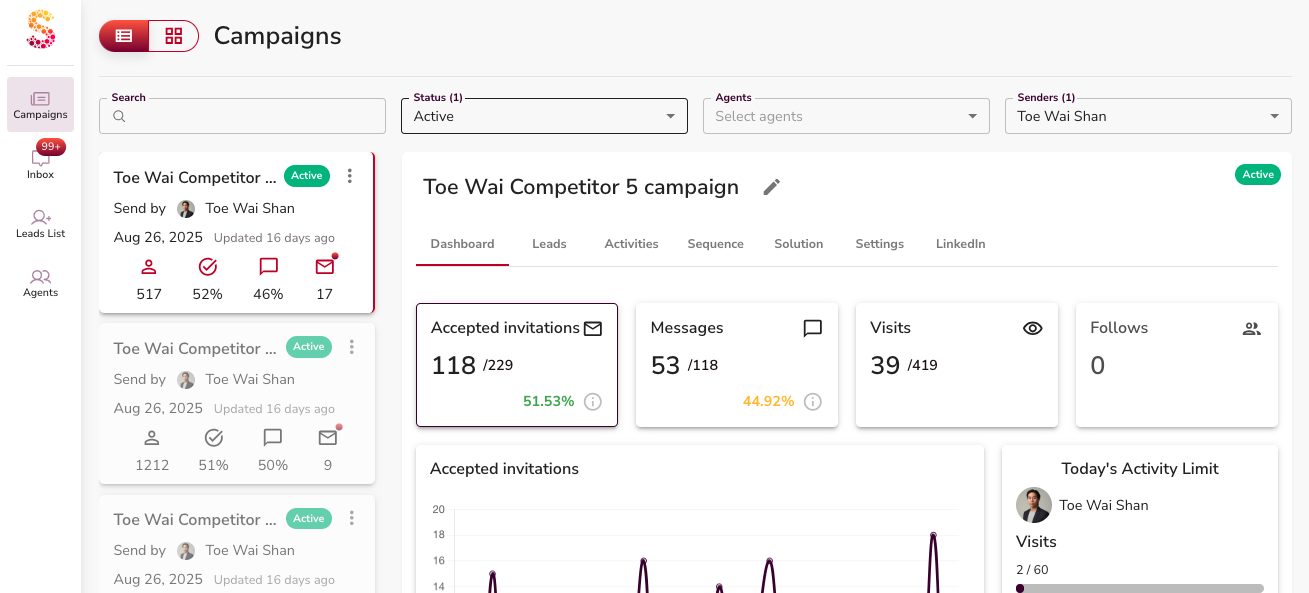
- Go to your Campaigns page. Disconnected campaigns will be clearly marked.
- Click on any disconnected campaign.
- Make sure you're logged into both LinkedIn and SalesMind AI in the same browser where the SalesMind AI Chrome extension is installed.
- Click Save to refresh your session.
Expected result: You'll see the message "Your LinkedIn account has been updated successfully."
⚠️ Warning: Don't use different browsers or browser profiles for LinkedIn and SalesMind AI. The extension can only read your LinkedIn session from the same browser profile it's installed in.
What Happens After Reconnecting
- Your account reconnects within about a minute
- All campaigns resume automatically
- No data, leads, or sequences are lost
What's Next
- Campaigns still not running after reconnecting? See the Why Is My Campaign Not Running? article
- Getting disconnected frequently? Stay logged into LinkedIn in your browser and avoid clearing cookies